
A Simple Receipt Routine for Busy Showing Days
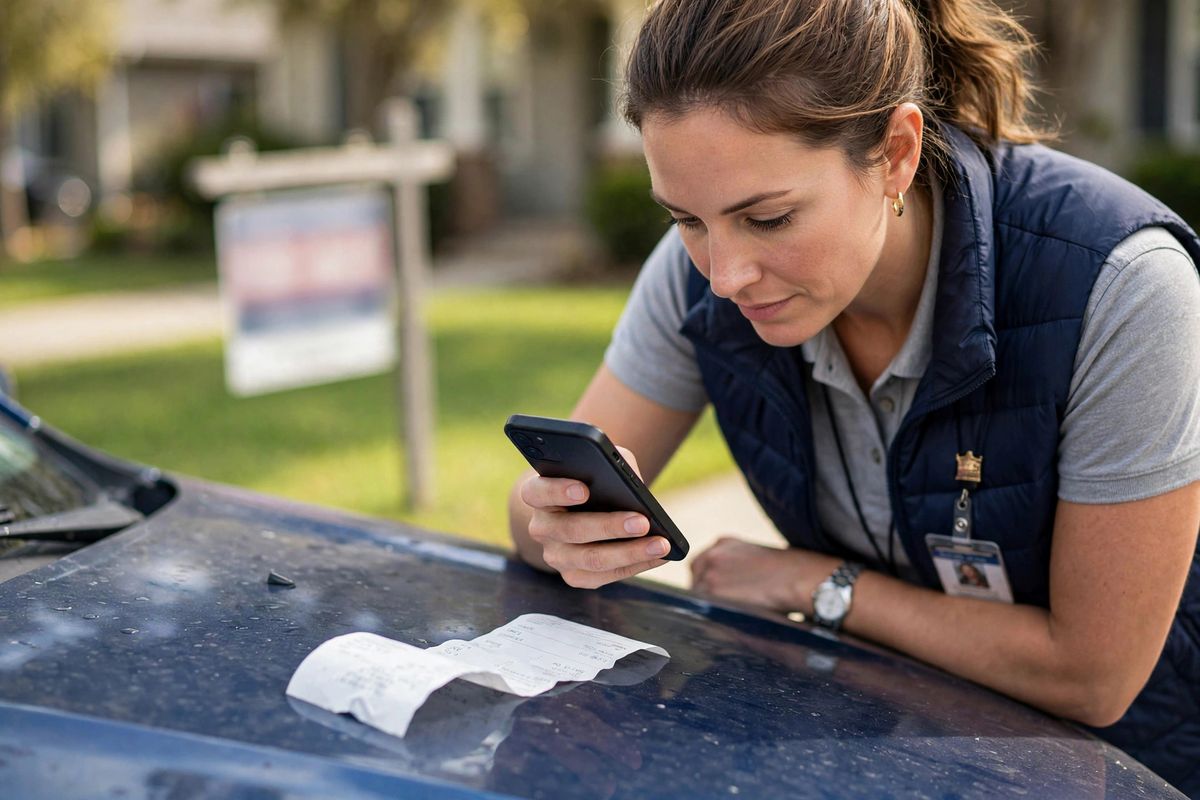
The receipt is the most perishable part of your business records. Ink fades, paper gets lost, and memory of what a charge was for evaporates within days. The fix isn't discipline — it's a routine so small you can't talk yourself out of it.
Here's a three-layer routine that works on the busiest showing days: thirty seconds in the moment, fifteen minutes a week, and one export a month. None of it requires an office, a scanner, or a free afternoon.
Layer 1: Capture at the point of sale (30 seconds)
The rule is simple: photograph the receipt before it leaves your hand. Not when you get to the car — at the counter, at the table, in the parking lot. The moment the paper goes into a pocket or cup holder, it enters the void.
While you're holding the phone, add the three things that turn a photo into evidence: what it was, who it involved, and which property or client it relates to. "Signage printing — 123 Smith St listing." That's it. Ten seconds of typing, and the receipt is permanently useful instead of permanently mysterious.
Layer 2: The weekly 15-minute review
Once a week — Sunday evening, Friday afternoon, whenever your week exhales — spend fifteen minutes reviewing what you captured. You're checking three things: Is every receipt attached to an expense? Does each one have its what/who/property note? Is anything obviously personal that slipped in?
This is also when you catch the week's orphans: the toll charge with no receipt, the parking meter that took coins, the coffee you forgot to photograph. Add them from memory while the week is still fresh. A fifteen-minute weekly review prevents the December reconstruction project that everyone dreads.
Layer 3: The monthly export habit
At the end of each month, export your records — a simple spreadsheet of expenses with receipts attached. Save it somewhere outside your phone: your computer, your cloud drive, wherever you'd look if the phone went swimming. Monthly exports do two things: they protect you against device loss, and they give you twelve clean checkpoints a year instead of one overwhelming one. When it's time for your CPA handoff, you'll be assembling, not excavating.
What to write on each receipt
If you remember nothing else from this article, remember the three fields: what, who, property. "Lunch with the Parkers — pre-approval discussion — 123 Smith St." A receipt without context is just a number; a receipt with context is evidence. For meals especially, the "who" and the business topic are what separate a business meal from lunch. Write it while you still remember their names.
Digital vs. paper: use both wisely
Make the photo your system of record. Digital copies can't fade, can't get buried in the car, and are accepted as documentary evidence under current IRS guidance. Keep the paper too when it's convenient — an envelope per month as backup costs nothing — but never rely on paper alone. Thermal-printed receipts start fading within months; by next tax season, some will be blank.
What makes a receipt photo actually usable
A blurry photo of a crumpled receipt helps nobody. The bar is low but real: lay the receipt flat, make sure all four corners are in the frame, and check that the vendor name, date, and total are readable before you put the phone away. Glare from overhead lights is the usual culprit — tilt the paper slightly or move a step to the side. If a receipt is long (hotel folios, I'm looking at you), take two overlapping photos rather than one unreadable one. These five extra seconds are the difference between evidence and a gray smudge.
Set up your car as a capture station
Since most of your receipts are born in the car, make the car do the work. Keep one envelope in the glove box or door pocket — every paper receipt goes in the envelope, no exceptions, no "I'll file it later." Mount your phone where you can reach it at a stoplight. The system isn't an app or a folder; it's the rule that paper never lives anywhere except the envelope and the photo never waits until tonight. Agents who do this one thing report that the weekly review takes ten minutes instead of an hour, because there's nothing to hunt for.
When the routine breaks (and it will)
You'll have weeks where nothing gets captured. That's fine — routines survive lapses; perfectionism doesn't. When you fall behind, don't try to rebuild the whole month in one sitting. Just restart the thirty-second habit today and do a slightly longer weekly review to catch the strays. The system works because it's small enough to restart, not because it's never interrupted.
Real agent questions
Paper or digital receipts — which is better?
Digital wins for most agents: a clear photo taken at the point of sale can't fade, can't get lost in the car, and is accepted as documentary evidence under current IRS guidance. Keep the paper too if it's easy — a shoebox as backup hurts nothing — but make the photo the system of record.
What should I write on a receipt?
Three things: what it was for, who it involved, and which property or client it relates to. "Lunch with the Parkers — pre-approval discussion — 123 Smith St" takes ten seconds and is the difference between evidence and a mystery charge six months later.
How long should I keep receipts?
Under current IRS guidance, keep records supporting your return for at least three years after you file, and longer in certain situations — some advisors suggest up to seven years. Digital copies make long retention painless. Confirm the right period for your situation with your CPA.
What if I already lost a receipt?
Don't panic and don't invent one. Write down everything you honestly remember — date, vendor, amount, business purpose — note that the receipt is missing, and check whether your card statement or email confirmation can corroborate it. Then let your CPA decide how to treat it.
Do I need receipts for expenses under $75?
Under current IRS guidance, documentary evidence is generally expected for expenses of $75 or more, and always for lodging — but smaller expenses still need a record of amount, date, place, and business purpose. Photographing every receipt takes seconds and ends the question entirely. Confirm expectations with your CPA.
This article is educational and does not constitute tax advice. For questions about record-keeping requirements, check current IRS guidance or ask your CPA.
AgentDeduct makes the thirty-second capture effortless: photograph the receipt, add the note, tag the property — done. Join the Agent Beta or open the web app to try it.
← Back to the Journal